
Duplicates and similar shots
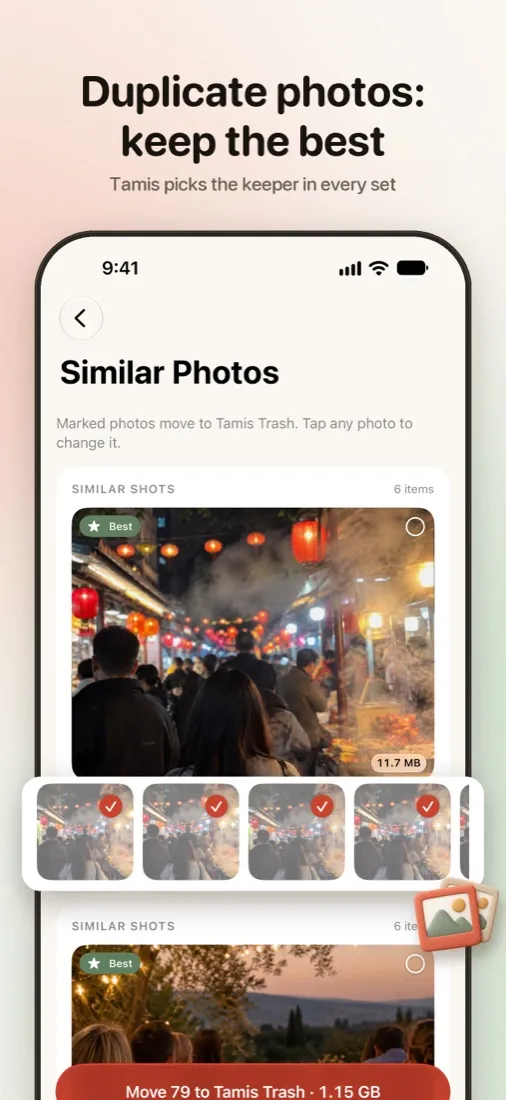
Bursts and near-identical photos are grouped, and Tamis suggests the sharpest one to keep.
Camera roll cleaner for iPhone
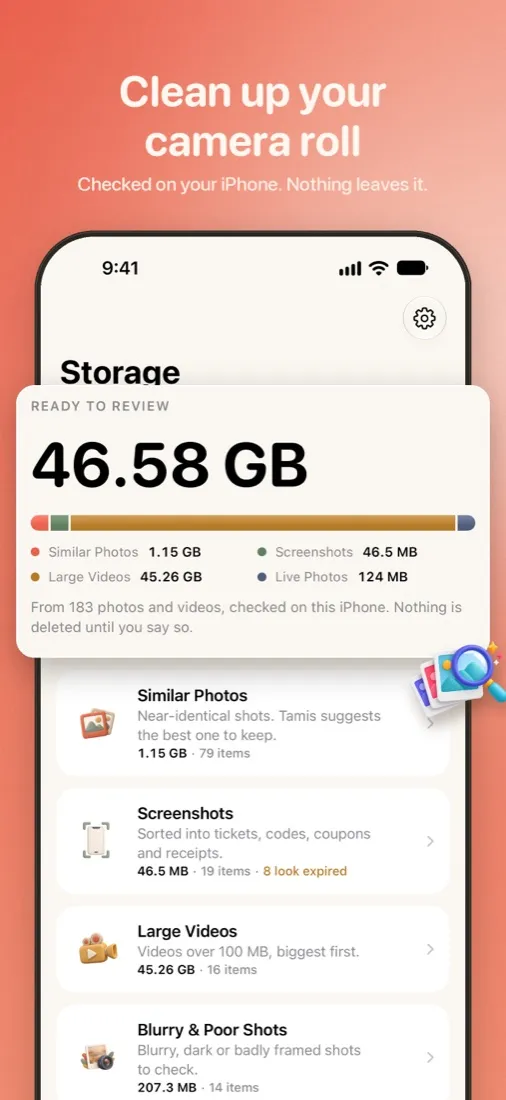
Tamis finds duplicates, blurry shots, large videos and expired screenshots, and suggests what to keep. You decide what goes. Nothing is deleted until you empty Tamis Trash.
Coming soon on theApp StoreFree to download. iPhone, iOS 26 or later.
What Tamis finds
Tamis reviews your whole library on the device and shows how much space each kind of clutter takes, so you can start where it matters most.
Bursts and near-identical photos are grouped, and Tamis suggests the sharpest one to keep.
Tickets, codes, coupons and receipts are sorted for you, and the ones that have run out are flagged.

The few clips that take up gigabytes, listed by size, with a silent preview.

Out-of-focus photos, pocket shots and photos of documents you no longer need.

Describe what to clean up, like “old screenshots from 2024”, and Tamis finds it.

Convert to HEIC and HEVC: the same moment in a fraction of the space, right on your iPhone.
A closer look
Left for Tamis Trash, right to keep. Long-press any photo to see it large.
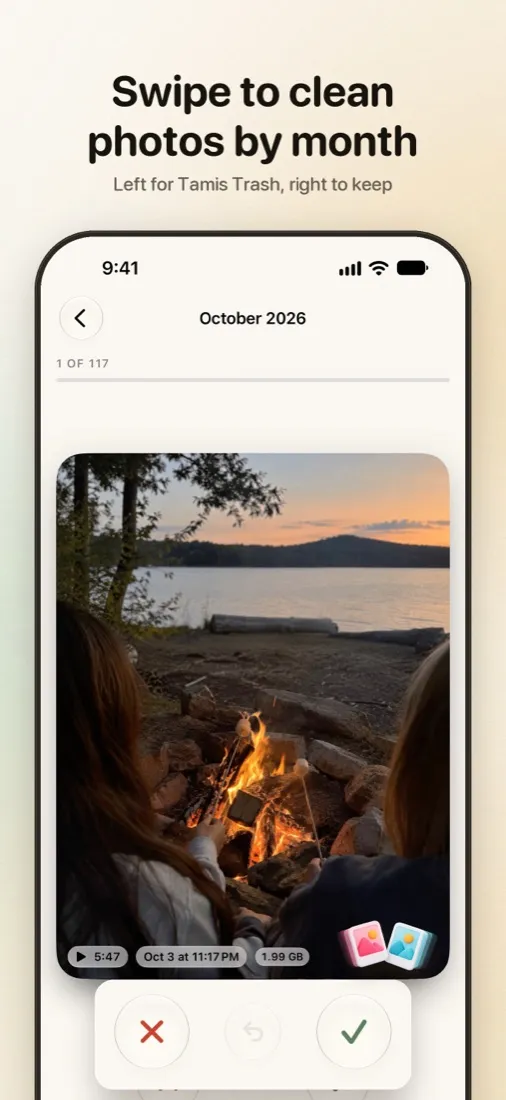

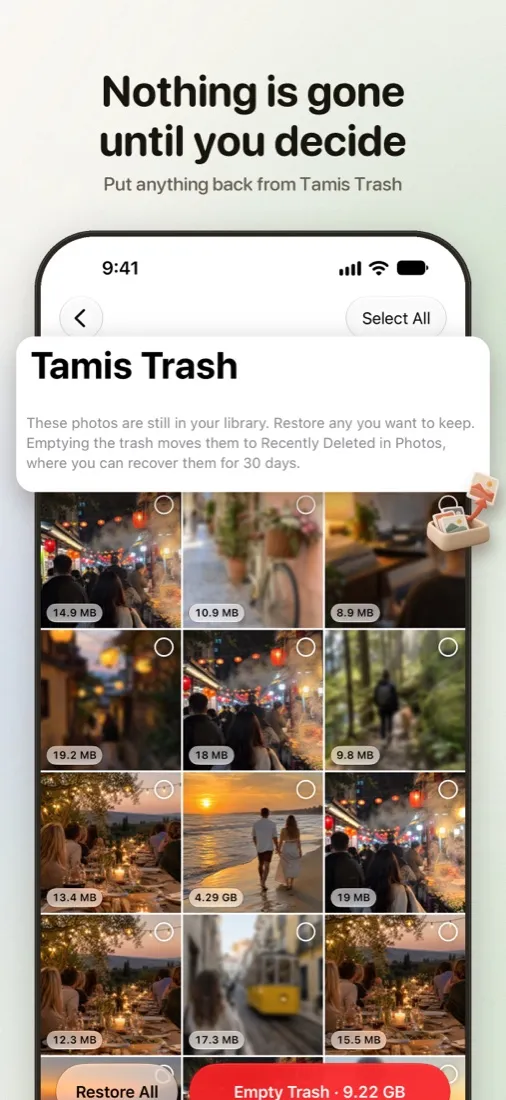
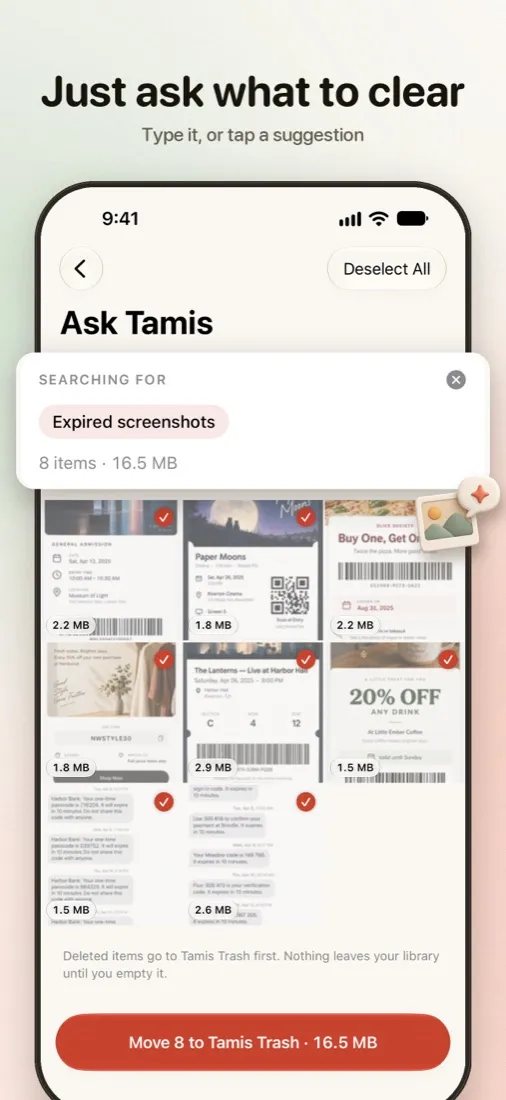

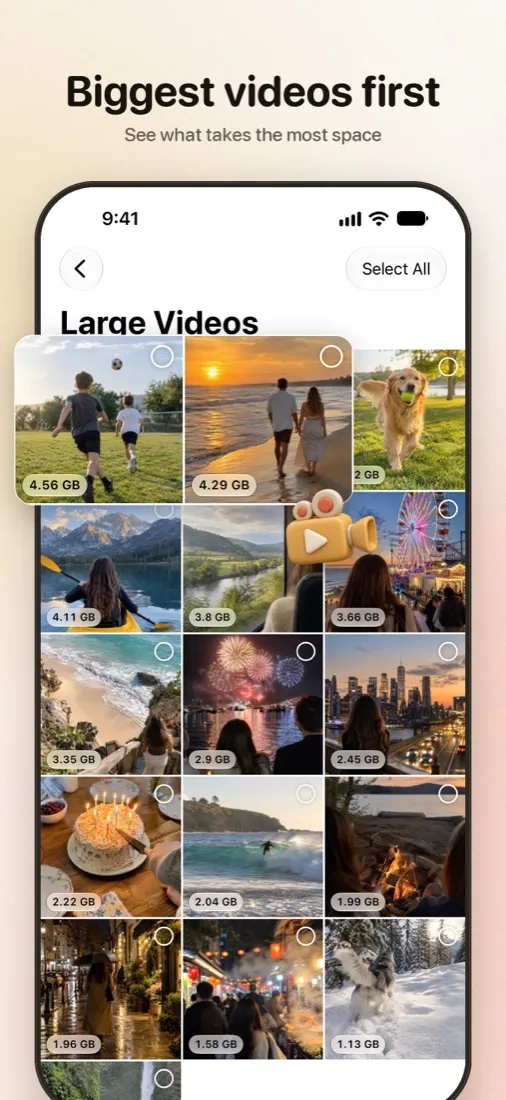
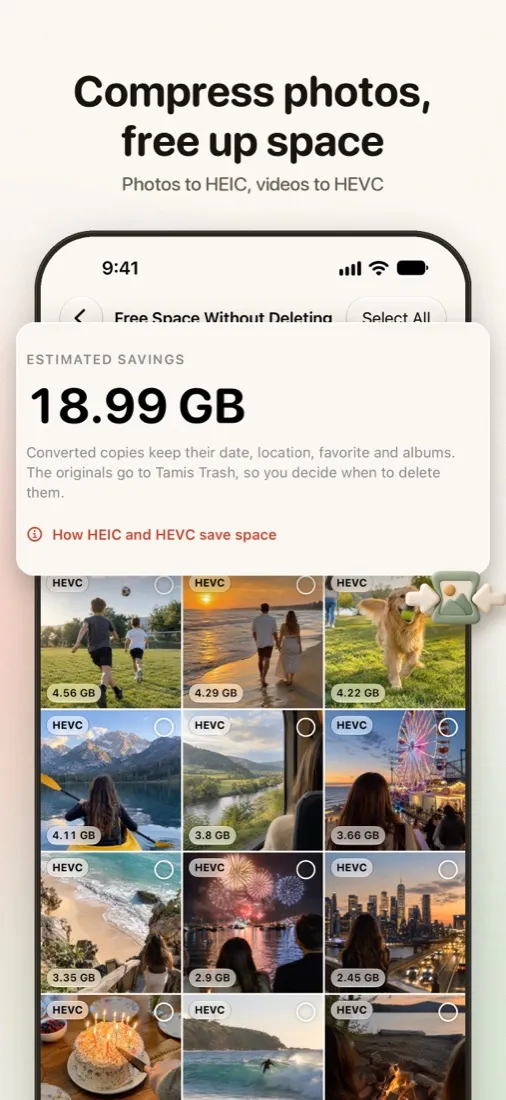
Nothing is gone until you decide


Private by design
Similarity, image quality, text in screenshots and Ask Tamis all run with Apple’s on-device frameworks. There is no account, no server and no analytics. Tamis collects no data at all.
Pricing
Scanning and every result are free. Tamis Pro is for when you want to clean as much as you like.
Free forever
$2.99 for a 7-day pass, or $14.99 once for good
US prices. Prices in other countries are set by the App Store and shown in the app before you buy. The 7-day pass is for one big cleanup: when it ends, Tamis returns to the free plan and nothing is charged again. Terms of Use
Questions
No. Everything is analysed on your iPhone. Tamis has no server to upload to.
No. Items you remove go to Tamis Trash first. When you empty it, iOS asks you to confirm, and Photos keeps deleted items in Recently Deleted for 30 days.
Yes. With Full Access, Tamis sees your whole library, including photos kept in iCloud. Deleting a photo with Tamis deletes it from iCloud Photos too, after you confirm.
Any iPhone running iOS 26 or later.

Tamis is coming soon to the App Store for iPhone.